
How to Submit Your Documents for KYC verification | ePlanet brokers
To deposit, transfer or withdraw money into your ePlanet Wallet or real trading accounts, first you have to submit your personal documents for KYC verification

Identity Verification at ePlanet Brokers
Log in to your ePlanet Brokers user panel.
👉 Verify Your Identity Step-by-Step (Watch Guide)
Before starting the identity verification process, please pay attention to the following important points:
- Make sure your VPN is turned off.
- Have your original identification document ready.
- The minimum eligible age for identity verification is 18 years old.
Now, in your user panel, from the side menu:
- Click on Settings
- Select Account Verification (Verify Your Account)
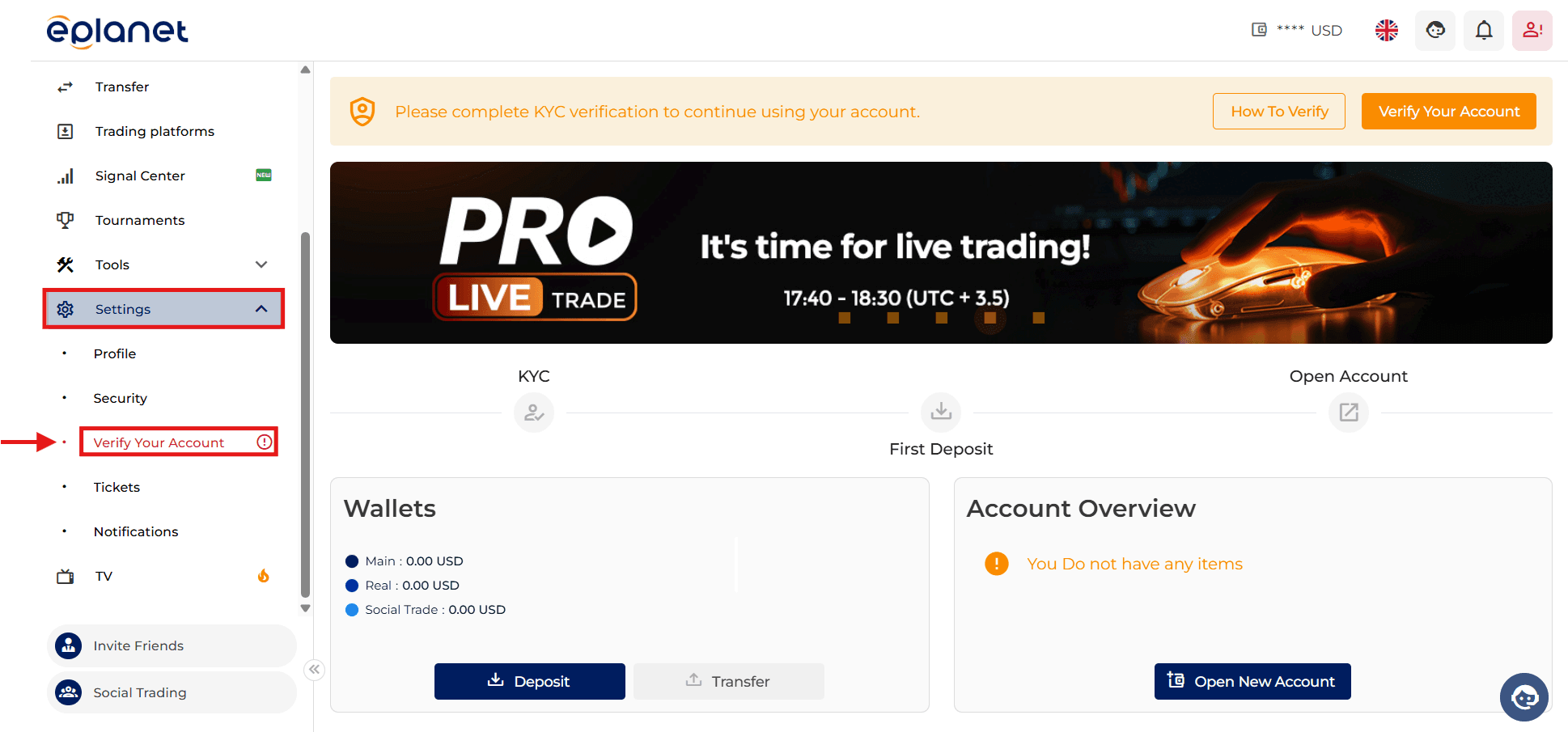
Read the displayed message and click on Continue.
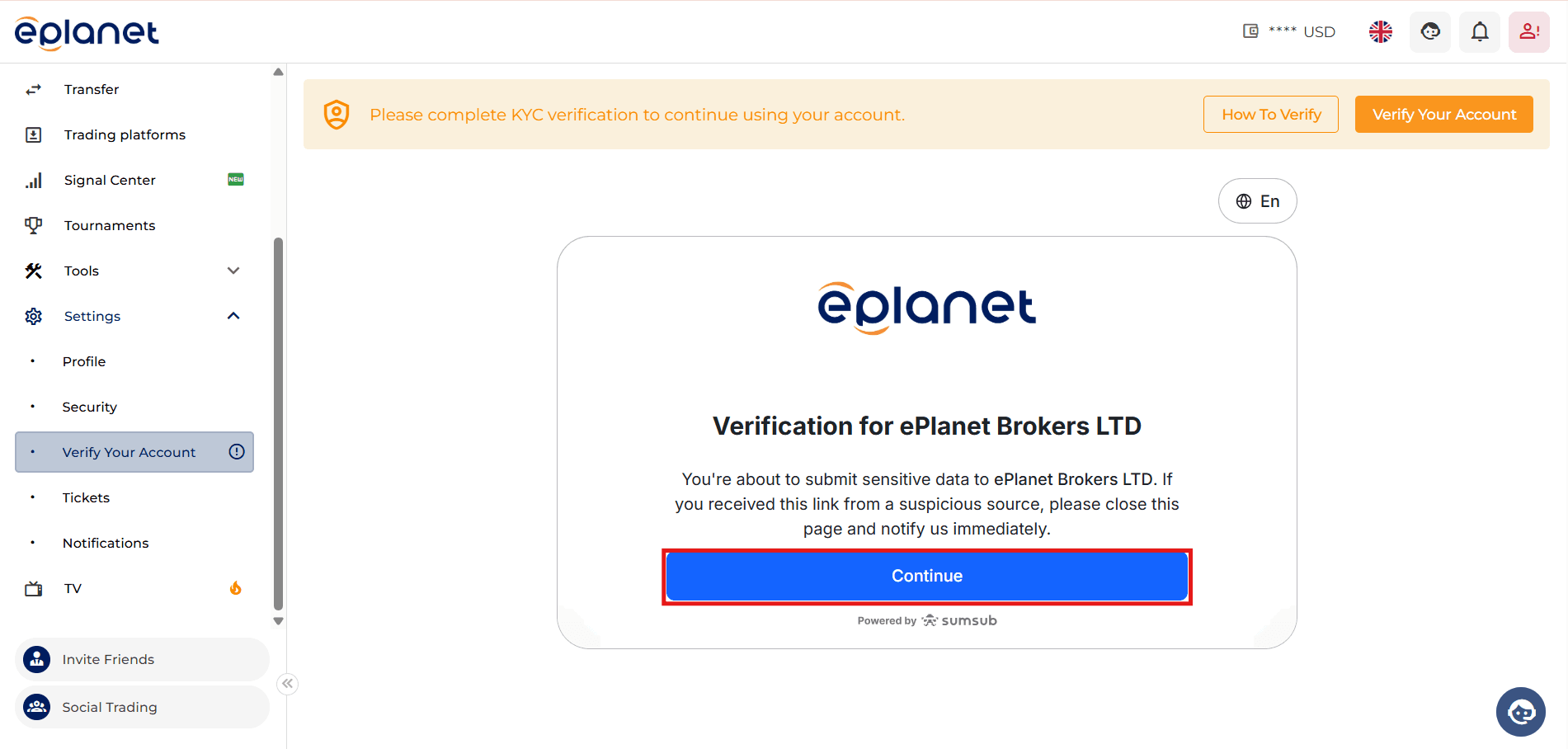
To begin, select the “Continue on mobile phone” option.
You can now scan the sent QR code with your mobile phone camera so that the verification page opens automatically in your mobile browser.
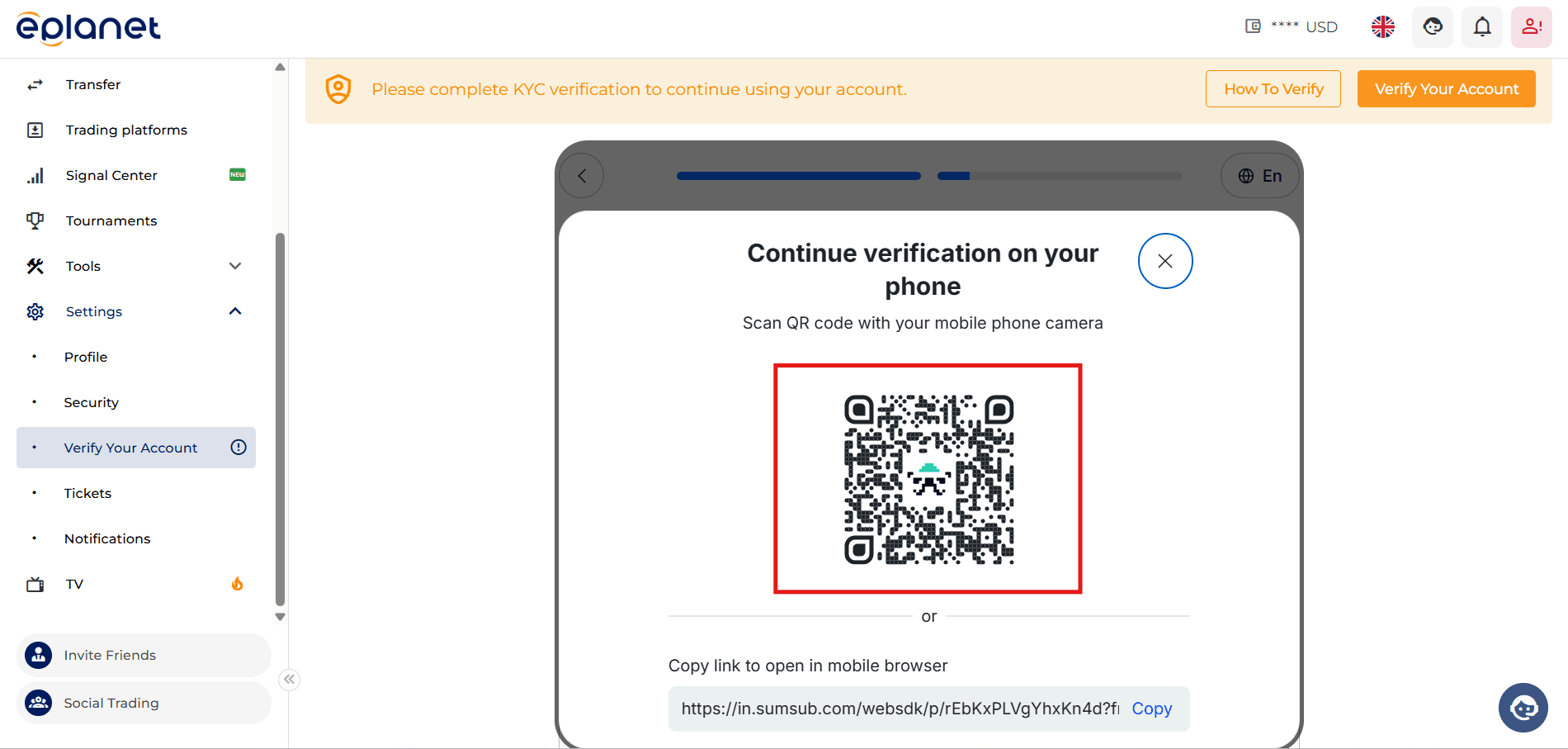
On the new page, enable the checkbox at the bottom of the page.
After confirming that the displayed email address is correct, click on Continue.
On the next page, you are also required to accept the consent form by enabling the relevant checkbox and then click on Create My Account.
On the new page,
you will have 60 seconds
to enter the code sent to your email address.
Log in to your email inbox.
Emails from ePlanet Brokers may be located in the Inbox or Spam folder.
Copy the sent code, return to the main page, and enter it in the provided field.
At this stage, click on Continue Verification to start the identity verification process.
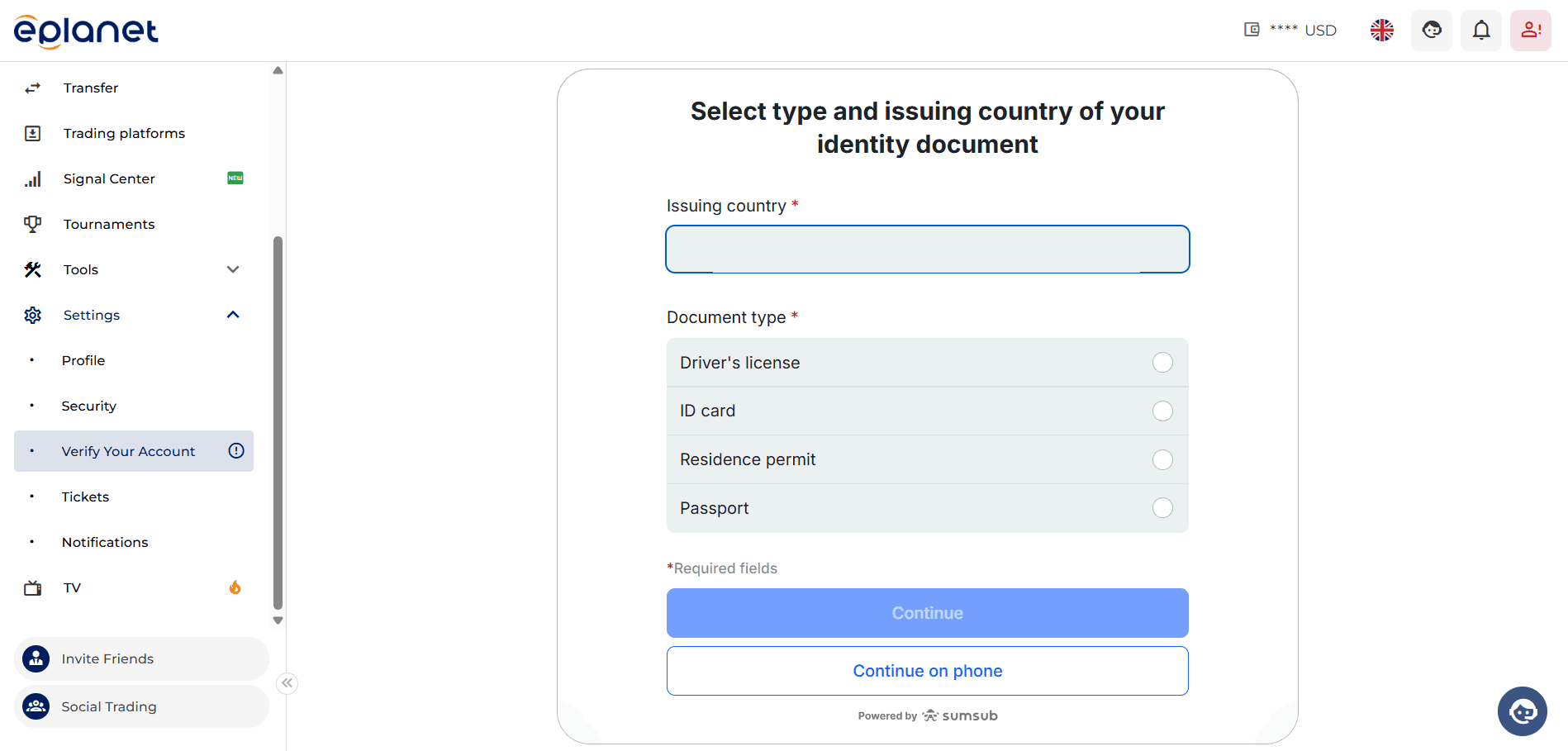
Now select the country that issued your identity document, then click Continue.
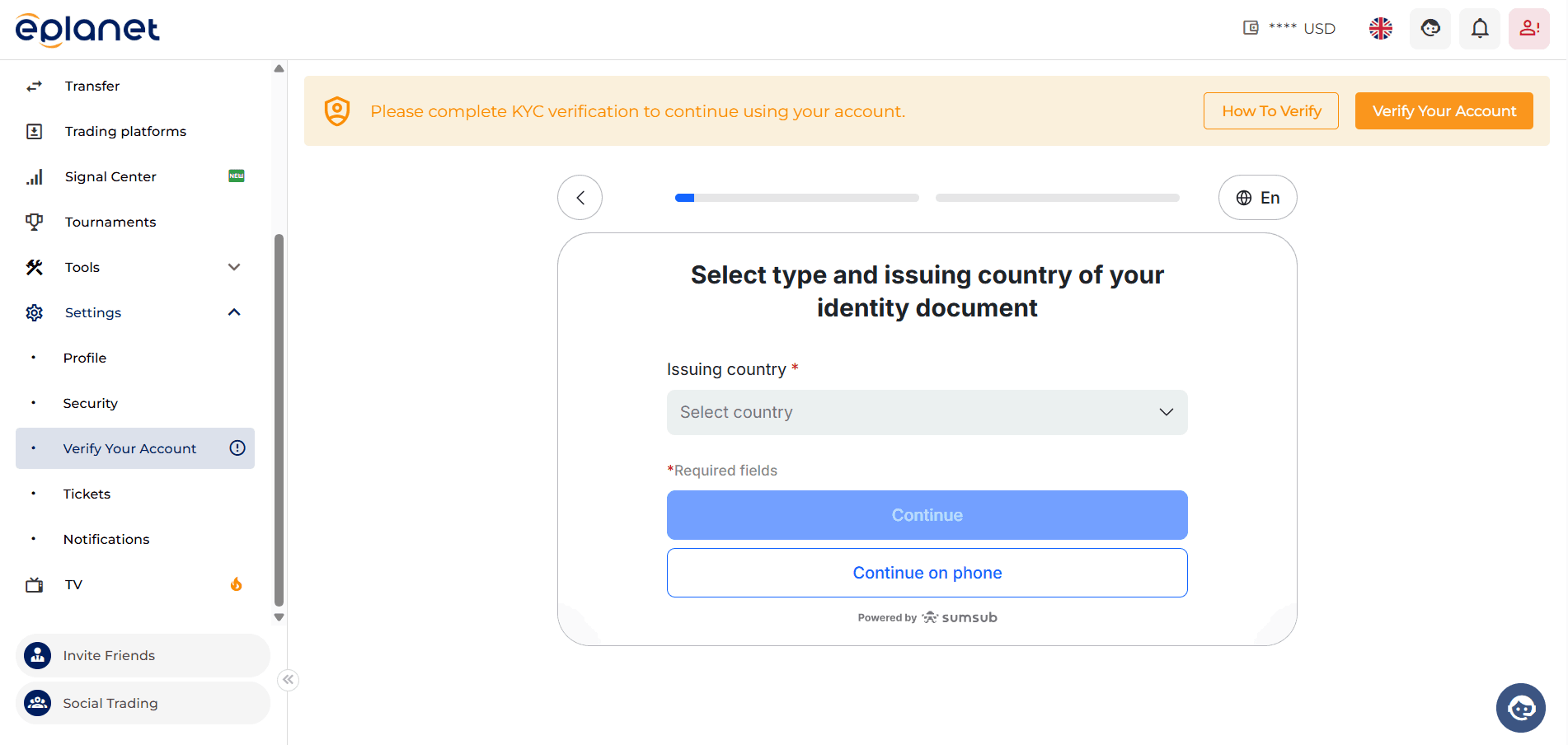
Next, specify the type of identity document.
Prepare your documents and click on the Continue button.
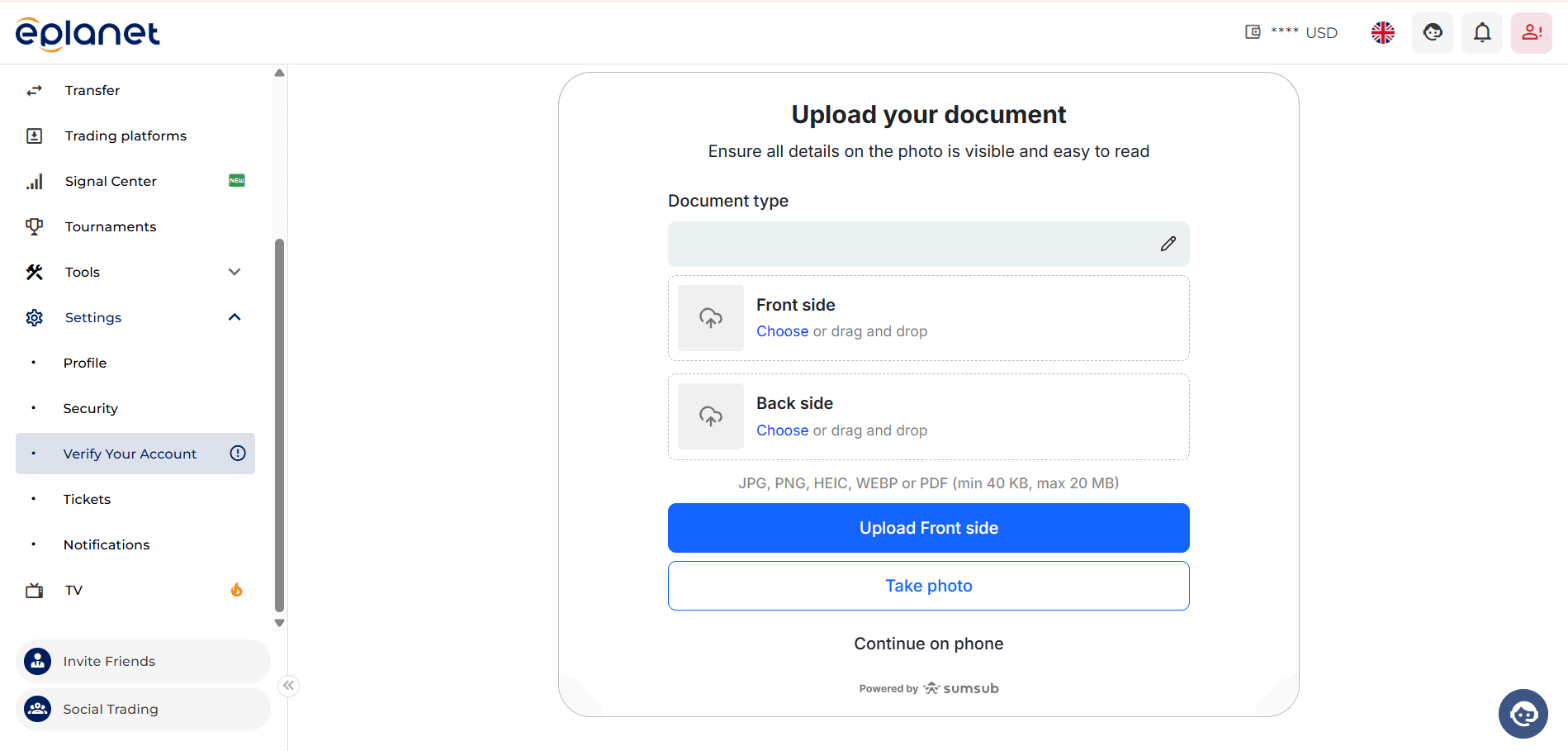
At this stage, to complete the verification process, allow access to your mobile phone camera.
Hold the front side of your ID card in front of your phone camera and upload the image directly.
Make sure the image is not blurry or shaky, as unreadable documents will prevent the system from allowing you to continue the process.
Now select Continue.
Take a photo of the back side of your ID card and upload it.
After ensuring the images have been successfully uploaded, select Continue.
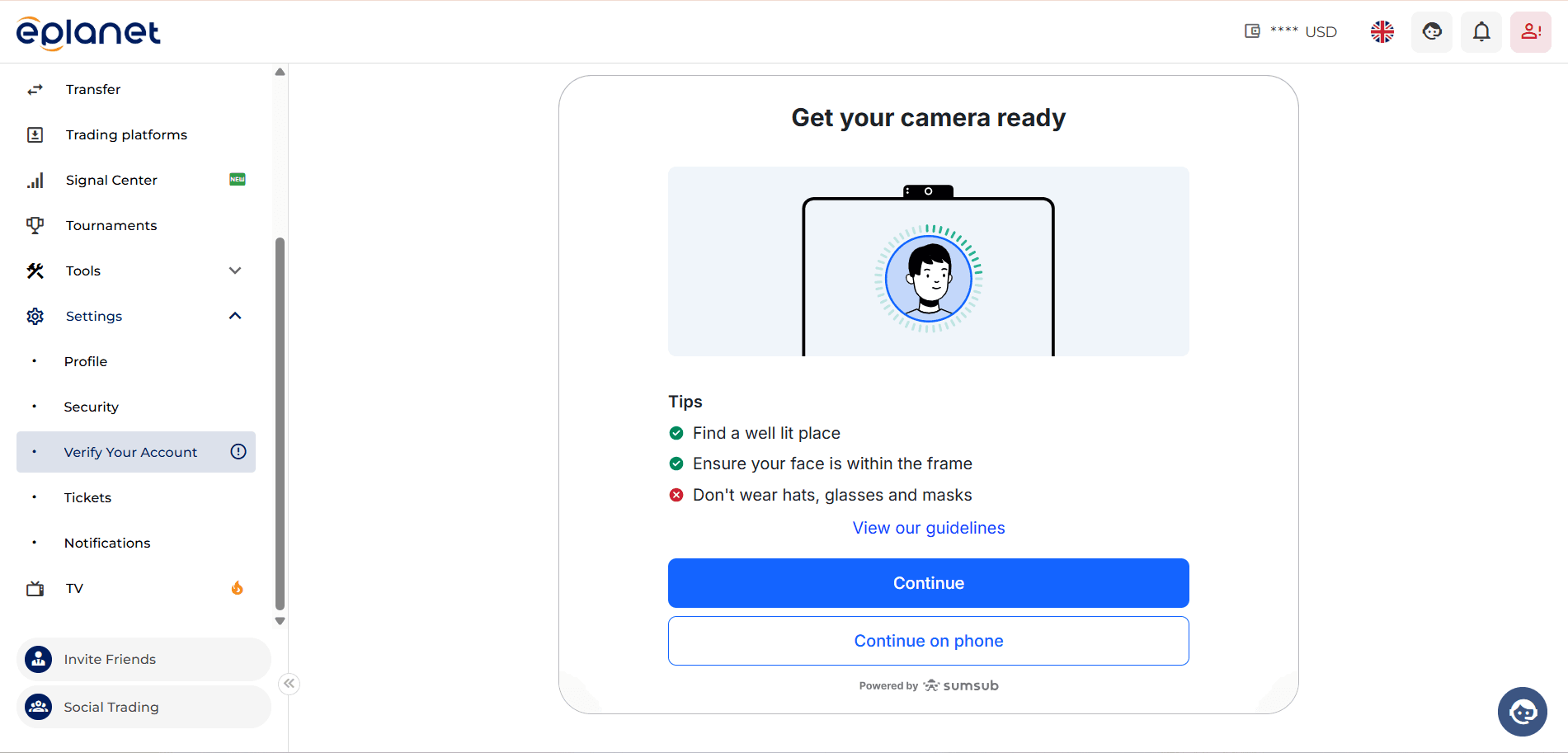
At this stage of verification, to match the identity documents with the person being verified, you must allow camera access so the system can take a live photo of you.
Move your face until the circle is completely filled and turns green.
The system will now process your information to match your identity documents with the live image.
Your identity verification will be approved shortly.
You can now easily access your user account.
If, for any reason, you need assistance during the verification process, you can contact the online support section of the website.